Showing posts with label presets. Show all posts

Sunday, March 16, 2014

Emulating Delta 3200 Film Look in Lightroom

I've been shooting real Ilford Delta 3200 film in my Leica M4-2 recently. I've been using it at live music events, and really like the look, especially shooting it at iso 1600 and developing it normally (at thedarkroom.com).
 
I've been interested in emulating that look with digital files, specifically with shots from my Leica M9, shot at iso 1600. Now that my M9 is back from Leica Service, I will likely carry the M9 and M4-2 together to some shows.
 
First, I decided to try the preset in Nik software's SilverEfex Pro. I didn't find it to be particularly comparable to my film results. So, I decided to work through adjustments in Lightroom 5 until I got something closer and save them as presets. I've now done that. Here's an example of a shot made with the M9 (at iso 200 in this case). The first version is what I would normally do to process this type of image from the M9 in black and white. The second is done using my Delta 3200 presets.
 
Charlie - "Normal" versus "Delta 3200" Versions, by Reed A. George
Leica M9, Leica Summilux 35mm f1.4 v.3 Lens
iso 200, f1.4, 1/125 sec.
 
For this particular shot, I strongly prefer the "Delta 3200" version.
 
I made two separate presets. Here are the adjustments I made in each.
 
Preset #1 - Delta 3200 Contrast Settings 
Contrast = +38
Clarity = +18

Preset #2 - Delta 3200 Grain and Sharpening Settings

Sharpening Amount +2
Sharpening Radius 0.7
Sharpening Detail 25
Sharpening Masking 0

NR Luminance 26
NR Detail 50
NR Contrast 0

Grain Amount 60
Grain Size 17
Roughness 94
 
 
I find it very interesting that adding this amount of grain and removing gray levels (in the form of increased contrast) can actually improve some images.
 
I hope others find the settings useful.
 
DMC-365.blogspot.com


Thursday, December 5, 2013

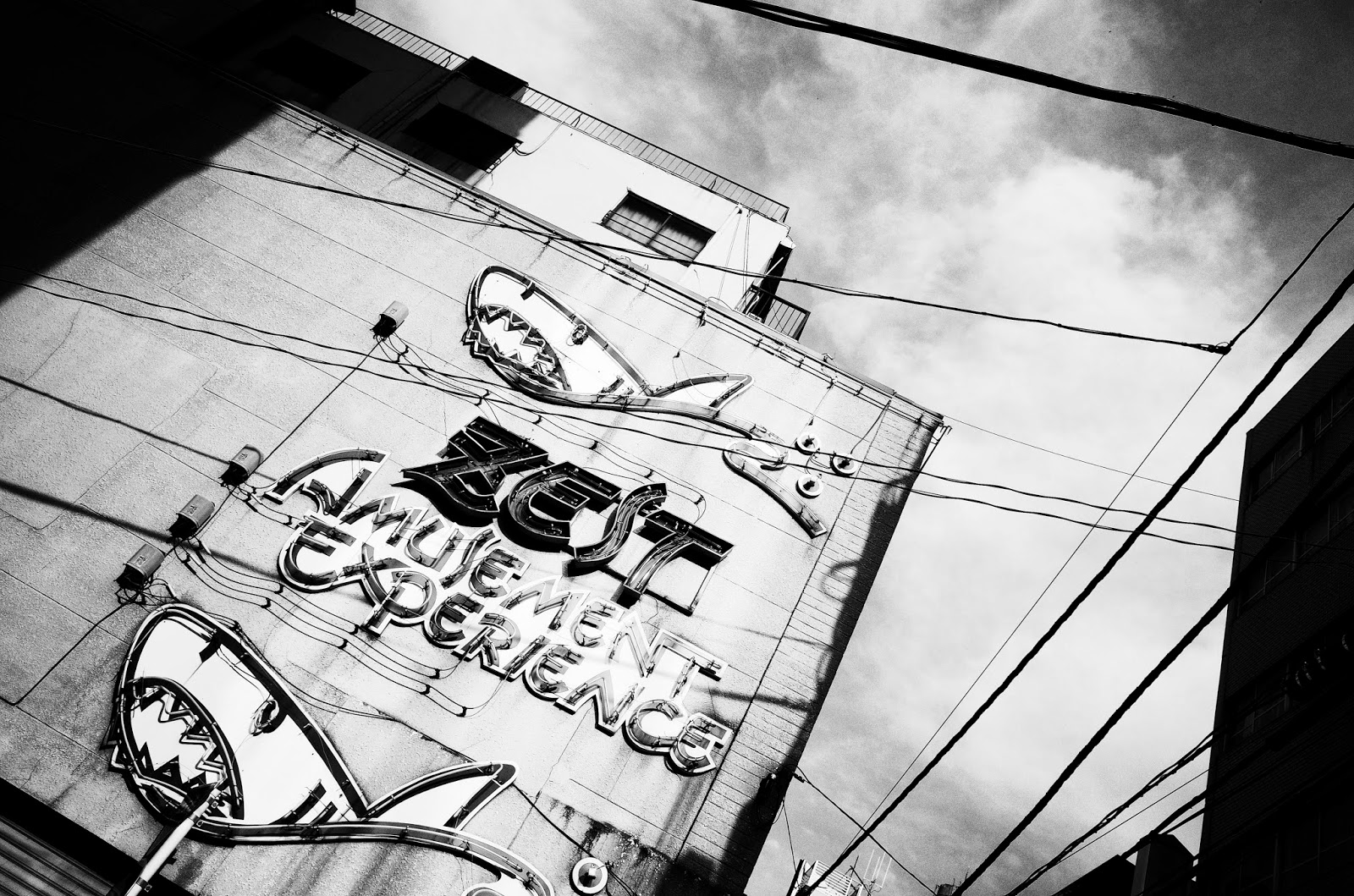
Ricoh GR, Tokyo, "Daido Mode" by Colin Steel on Steve Huff's Site

This is the beauty of modern internet technology and photography blogs. This morning I got to read about a camera I've never handled, used in a place I know well but only see once a year, view photographs that a guy I've never met took and shared on another guy I don't know (but feel like I do)'s blog.
What I mean is that I got to see the awesome images that Colin Steel made in Tokyo with the Ricoh GR, and shared on Steve Huff's site.
Image Source: http://www.stevehuffphoto.com/wp-content/uploads/2013/11/colin4.jpg

In his guest post on Steve Huff's site, Colin Steel shares a series of images he made on a quick three day trip to Tokyo. Apparently at least one day was made up of 24 hours straight wandering the streets of Tokyo, shooting with the Ricoh's high contrast monochrome setting, referred to as "Daido mode," after Daido Moriyama, famous Tokyo photographer who also happened to shoot with Ricoh cameras.

(Click Here) to read Colin's post on Steve Huff's site.

Colin writes about how he and most serious photographers usually ignore the in-camera creative presets. I used to feel the same way until one very important thing happened in the cameras I have that include presets: they started enabling most of the presets to be used in raw+jpeg shooting mode! This means that I can get a jpeg with all of the preset effects, view it on the camera display in the preset way, but have a completely unembellished raw file stored on my card to post-process in any way I see fit later on. I can see a high contrast black and white rendition while I'm shooting, then come home and use the raw file to make a low contrast color print, if I decide to. Flexibility is a great thing.

I won't go into the details of the Ricoh camera, as I honestly have not looked at them. So many cameras, so little time, you know. My two points today are: 1) it's great to be able to see wonderful photography from around the world and people I don't know through the internet, and 2) don't ignore anything on your camera. It may come to creative use if you learn how to use it, and learn about things like having the unaltered raw files available, should you change your mind later.

DMC-365.blogspot.com


Thursday, November 15, 2012

Streetshooter's Street Presets - For Lightroom 4 and/or Nik Silver Effects 2


This is a first for me. Streetshooters is selling premade presets to give your photos a classic street photography look.
 
(Click Here) to read about it at streetpresets.com.
 
Presets are saved sets of parameters. In Lightroom 4, for example, you can make all of the settings that make your pictures look exactly how you want them, then save all of those adjustments as a preset. In this case, you're buying presets that some experienced street photographers have made for you.
 
I must admit that they look pretty darned good in the online samples. I'm not sure how I feel about paying for them. I suppose it's not unreasonable to pay $20 to have an expert give me their favorite settings, which I can reuse as many times as I like, or even customize a little further to my own liking, and save as my own preset.
 
Hmm. Something to consider. I'll let you know if I do it.
 
DMC-365.blogspot.com